Project Overview
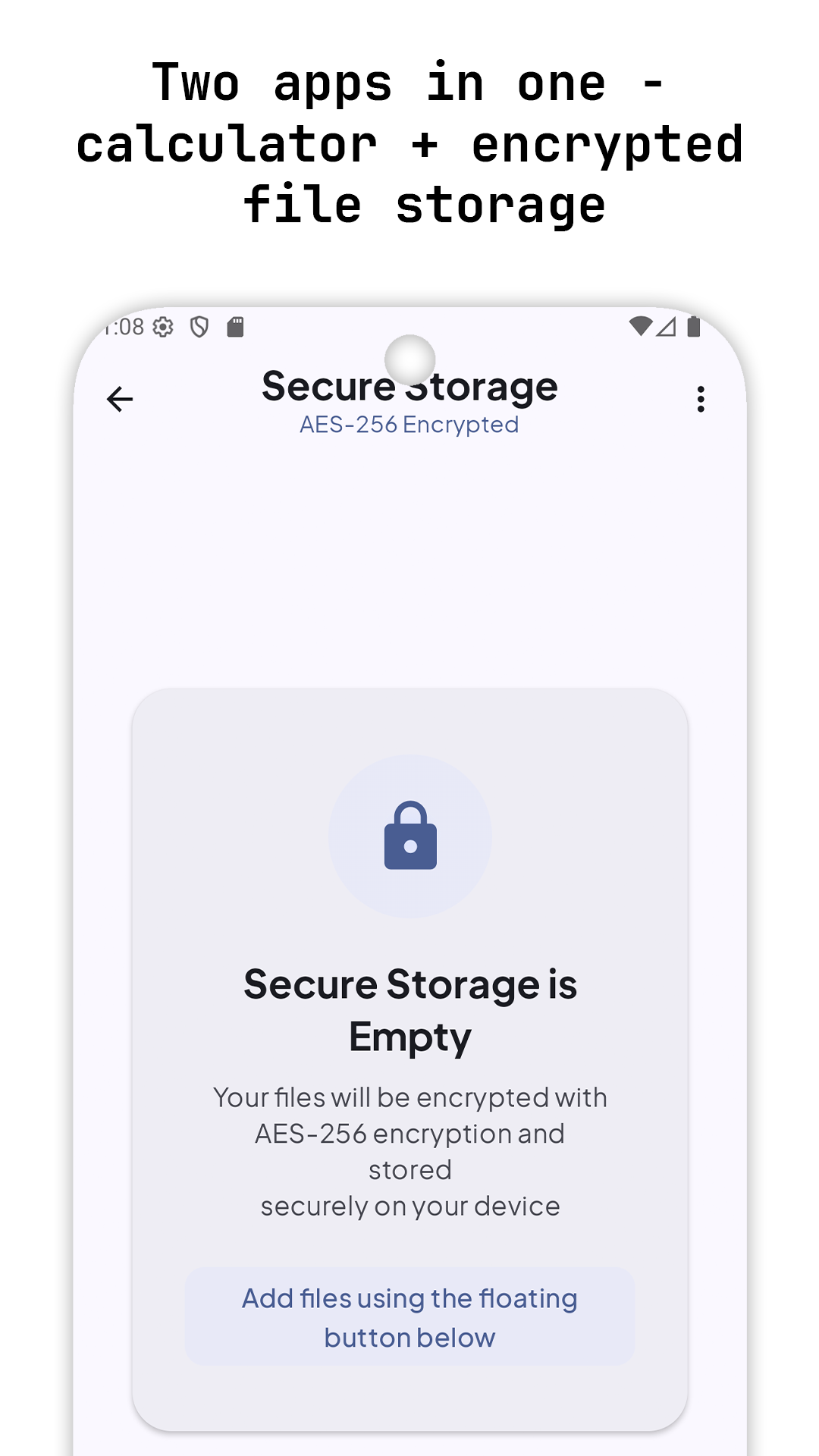
Calculator — SecureVault is a modern Android calculator with scientific parity and a hidden, fully encrypted file locker. It pairs a crisp Material 3 UI with a robust calculator engine and Keystore‑backed AES‑256‑GCM storage for private files.
Highlights
- Modern UI with Material Design 3, dynamic color (Material You), dark/light modes
- Scientific calculator parity: trig, logs, powers, factorial, constants (π, e)
- Real‑time evaluation, editable expressions, smart error handling
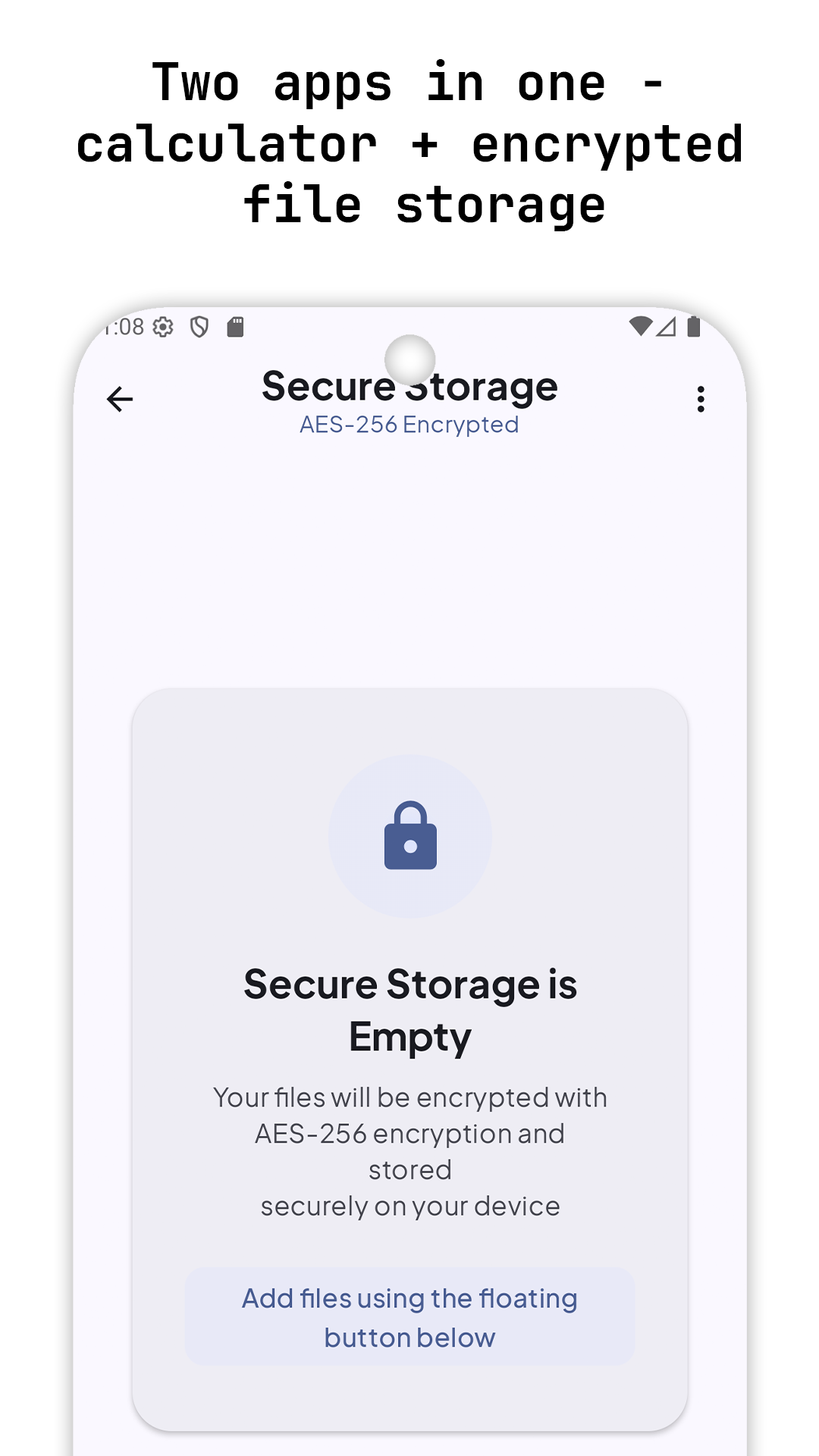
- SecureVault: AES‑256‑GCM encrypted storage with folders and full file management
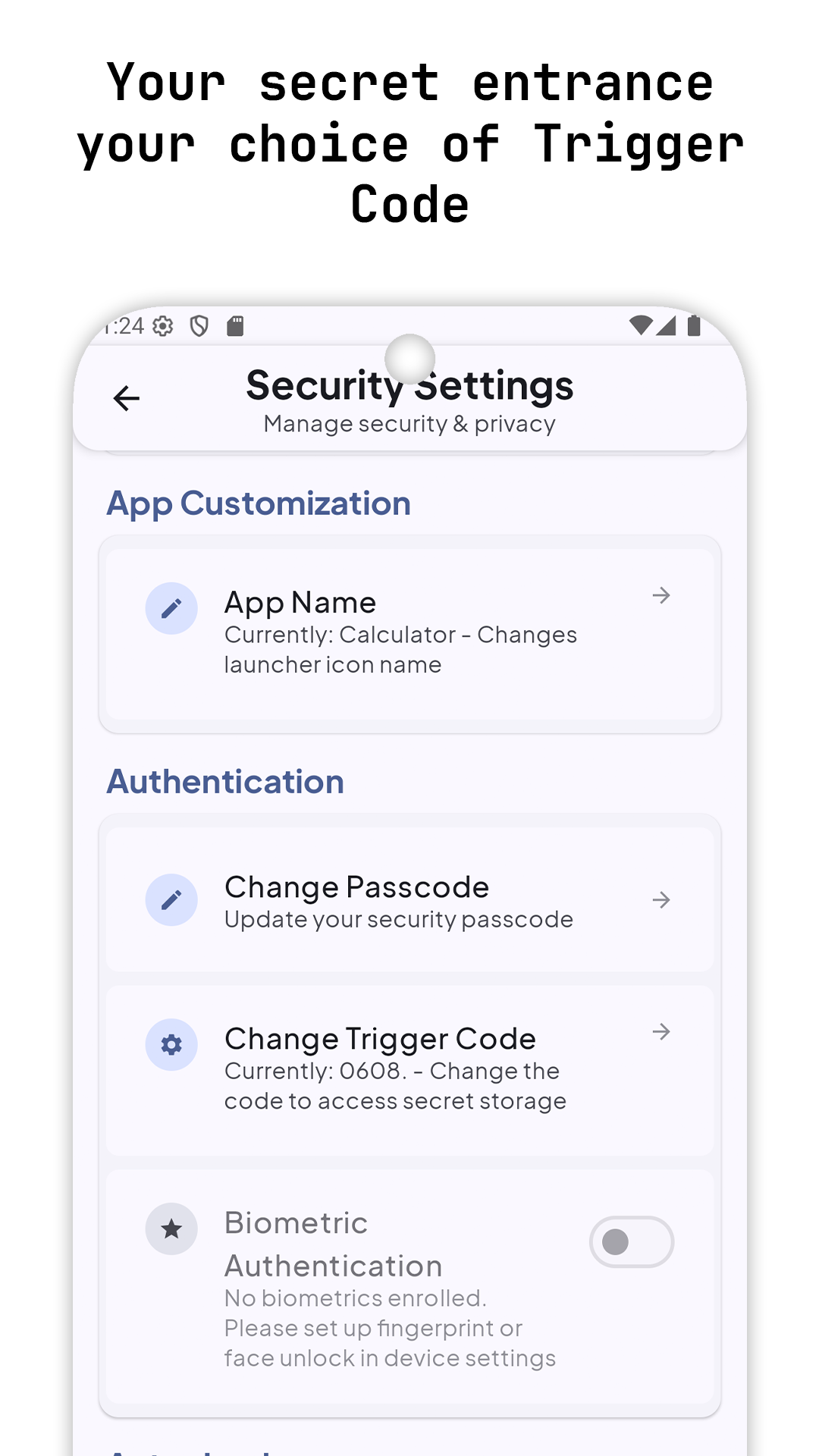
- App name customization (launcher label) with multiple compliant variants
- Accessibility, performance optimizations, and robust testing
Graphical Representation
A quick visual of effort across core modules.
Calculator Engine
Shunting‑Yard parsing, RPN evaluation, formatting and error handling.
Core Features
Basic calculator: +, −, ×, ÷; decimals; C/CE; delete; equals
Scientific functions: sin, cos, tan; log/ln; x², x³, x^y; √; x!; 1/x; |x|; exp; 10^x; e^x; π, e
Advanced UX: real‑time preview, copy to clipboard, auto‑scaling display text, smooth animations
History: auto‑save, swipe‑to‑delete, tap to reuse, up to 100 items
Settings
- Angle unit (Degrees/Radians), decimal precision
- Haptics and sound toggles for key presses
- Theme: light/dark and dynamic color (Material You)
- Privacy: hide from Recents, optional screenshot blocking in SecureVault
Data & Offline
- Expression history up to 100 items, stored locally
- Preferences via DataStore for reliable, async reads/writes
- No network usage; all features run fully offline
UX & Interaction
- Auto‑scaling display text for long expressions and results
- Haptic feedback, smooth button animations, and clear error states
- Swipeable history with tap‑to‑reuse and copy‑to‑clipboard
- Responsive grid layout across phone/tablet orientations
SecureVault (Encrypted File Locker)
- AES‑256‑GCM encryption via Android Security Crypto; keys in Android Keystore (hardware‑backed)
- File operations: add, rename, move, copy, delete, detailed metadata dialog
- Folder management with breadcrumb navigation
- Decrypt & move to device folders with secure cleanup
- Modern Compose UI: elevated cards, MD3 dialogs, dynamic theming, responsive grid
- Optional privacy controls: hide from Recents, block screenshots (user‑toggled)
- Auto‑return to calculator from Recents for sensitive screens
Compatibility & Limitations
- Supports Android 7.0 (API 24) and above.
- OEM file access policies may affect decrypted move operations.
- Biometric availability depends on device hardware and user enrollment.
App Name Customization (Policy‑Safe)
- Launcher label can switch between multiple compliant variants (e.g., Calculator – SecureVault, Scientific Calculator)
- Implementation: Android activity‑alias toggling; persists across restarts; compliant with Google Play metadata policies
Architecture
- MVVM with clear separation of concerns
- Domain: CalculatorEngine (Shunting‑Yard parsing, RPN eval, formatting, error handling)
- Presentation: Jetpack Compose screens/components, CalculatorViewModel (StateFlow)
- Data: CalculatorState, models/enums
- App lifecycle guard via ProcessLifecycleOwner to enforce security navigation rules
- State: Kotlin Flow/Coroutines; DataStore for settings/preferences
Tech Stack
- Kotlin (JVM 17), Coroutines, StateFlow
- Jetpack Compose (Material 3, Foundation, Activity Compose)
- AndroidX Lifecycle, ViewModel
- Android Security Crypto (androidx.security:security-crypto)
- AndroidX Biometric
- DataStore Preferences
Testing & Quality
- CalculatorEngine unit tests: parsing, precedence, edge cases, formatting
- Compose UI tests for buttons, history, and SecureVault flows
- Instrumentation tests validating biometric gates and navigation
Permissions and Rationale
- Storage: READ_MEDIA_* (Android 13+), legacy READ/WRITE_EXTERNAL_STORAGE (≤ 12L with maxSdkVersion), MANAGE_EXTERNAL_STORAGE for scoped secure move flows
- Biometrics: USE_BIOMETRIC, USE_FINGERPRINT (optional auth for secure areas)
- File sharing via FileProvider for safe, temporary decrypted access
Screenshots

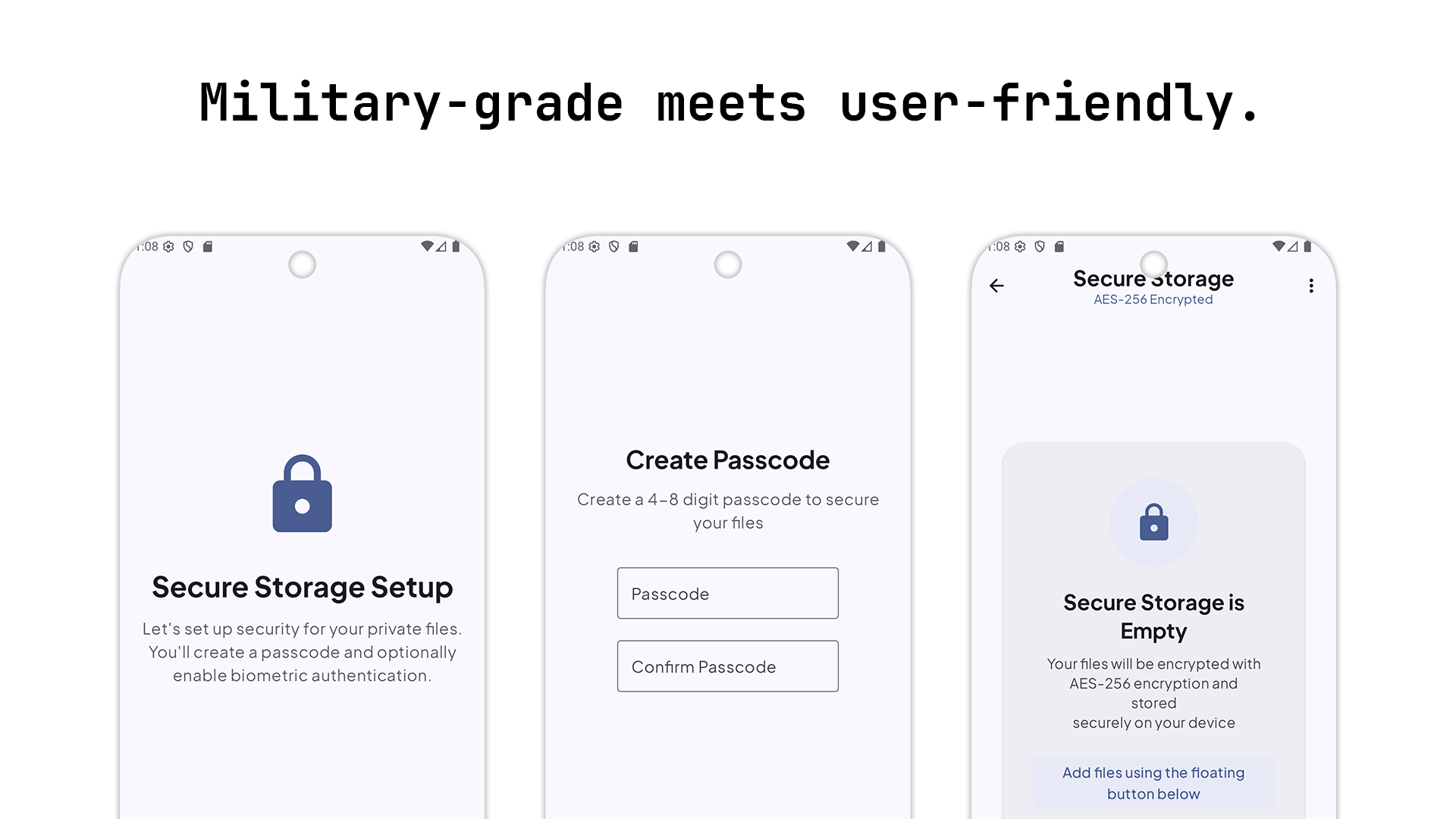
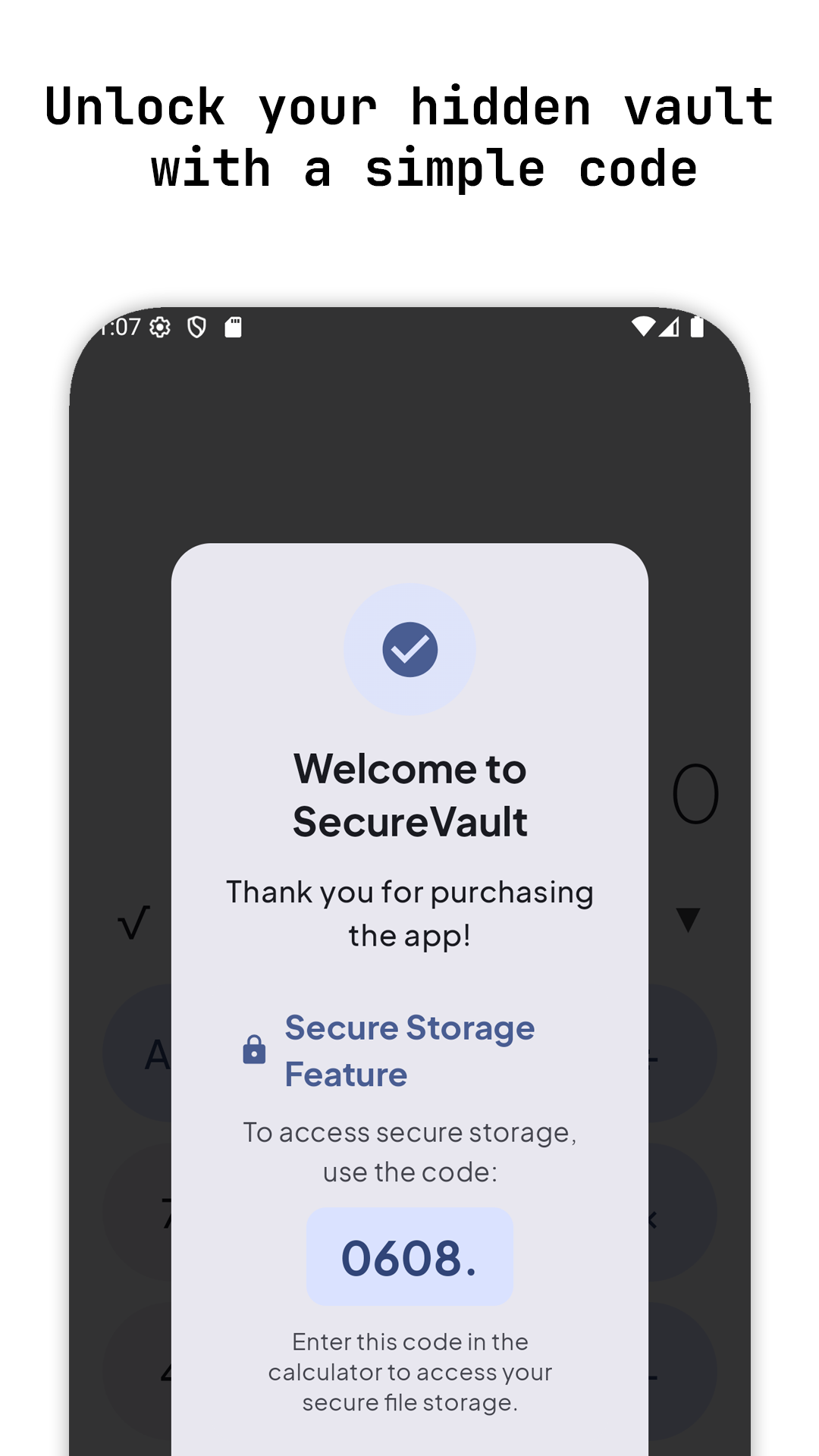
Calculator screens including main keypad, scientific panel, history, and SecureVault grid/details.
Accessibility and UX
- Content descriptions, TalkBack compatibility
- Large tap targets (≥48dp), high‑contrast color choices
- Right‑to‑left support, keyboard navigation, smooth micro‑interactions
Architecture Overview
- CalculatorEngine: Shunting‑Yard parser, RPN eval, formatting, constants and functions.
- Compose UI: Calculator screen, scientific panel, history, SecureVault screens.
- ViewModel: StateFlow‑based state and side effects.
- Storage: DataStore preferences and encrypted files via Keystore + AES‑GCM.
Roadmap
- Unit converter and currency rates (offline snapshots)
- Custom function/constant definitions
- SecureVault recycle bin with delayed purge
Performance & Testing
- Optimized Compose recomposition; lazy rendering for history and grids
- Efficient state updates; memory‑safe encryption flows and background processing
- Unit tests for CalculatorEngine; UI/component and integration tests (Compose)
- Accessibility verification (screen reader, navigation)
What I Built
- Scientific calculator engine with robust parsing and formatting
- Compose UI with auto‑scaling display and accessible controls
- SecureVault with AES‑256‑GCM, folders, metadata and safe decrypt‑and‑move
- History, clipboard integration, and app alias switching
Conclusion
Calculator — SecureVault blends a polished calculator experience with a privacy‑first file locker. It stays fast, legible, and reliable while keeping sensitive files protected.
The architecture scales cleanly—from engine improvements to UI refinements—without compromising performance or security.
Get the App
Calculator — SecureVault is now live on Google Play (released November 26, 2025). Download the production build and review the privacy policy if you’d like more detail.