Project Overview
Companion AI is a native Android app for inspirational quotes with an offline‑first model, tap‑anywhere navigation, rich notifications, and optional AI providers. The core experience is ultra‑fast and readable, with dynamic color themes and a minimal, polished UI.
Highlights
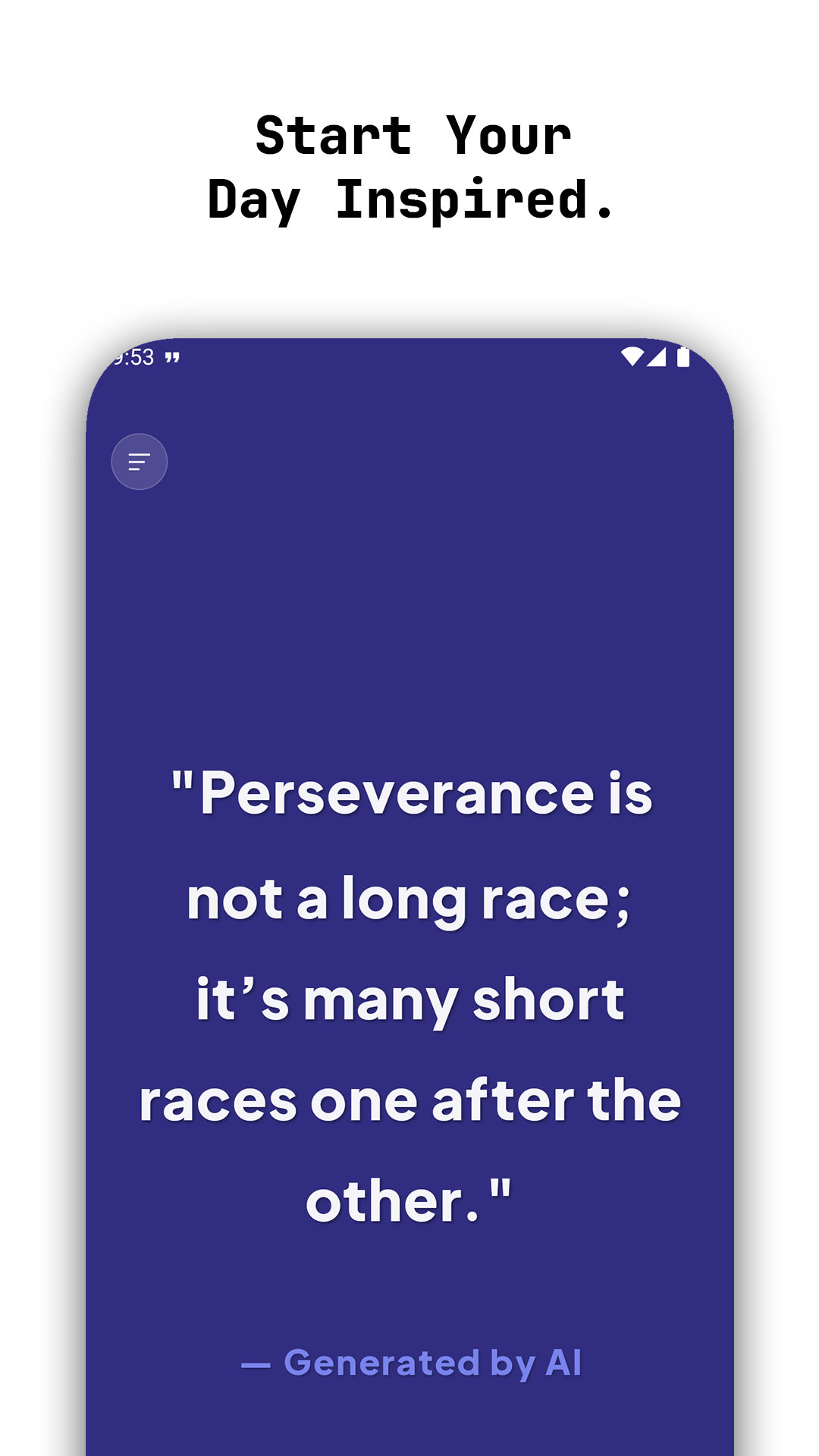
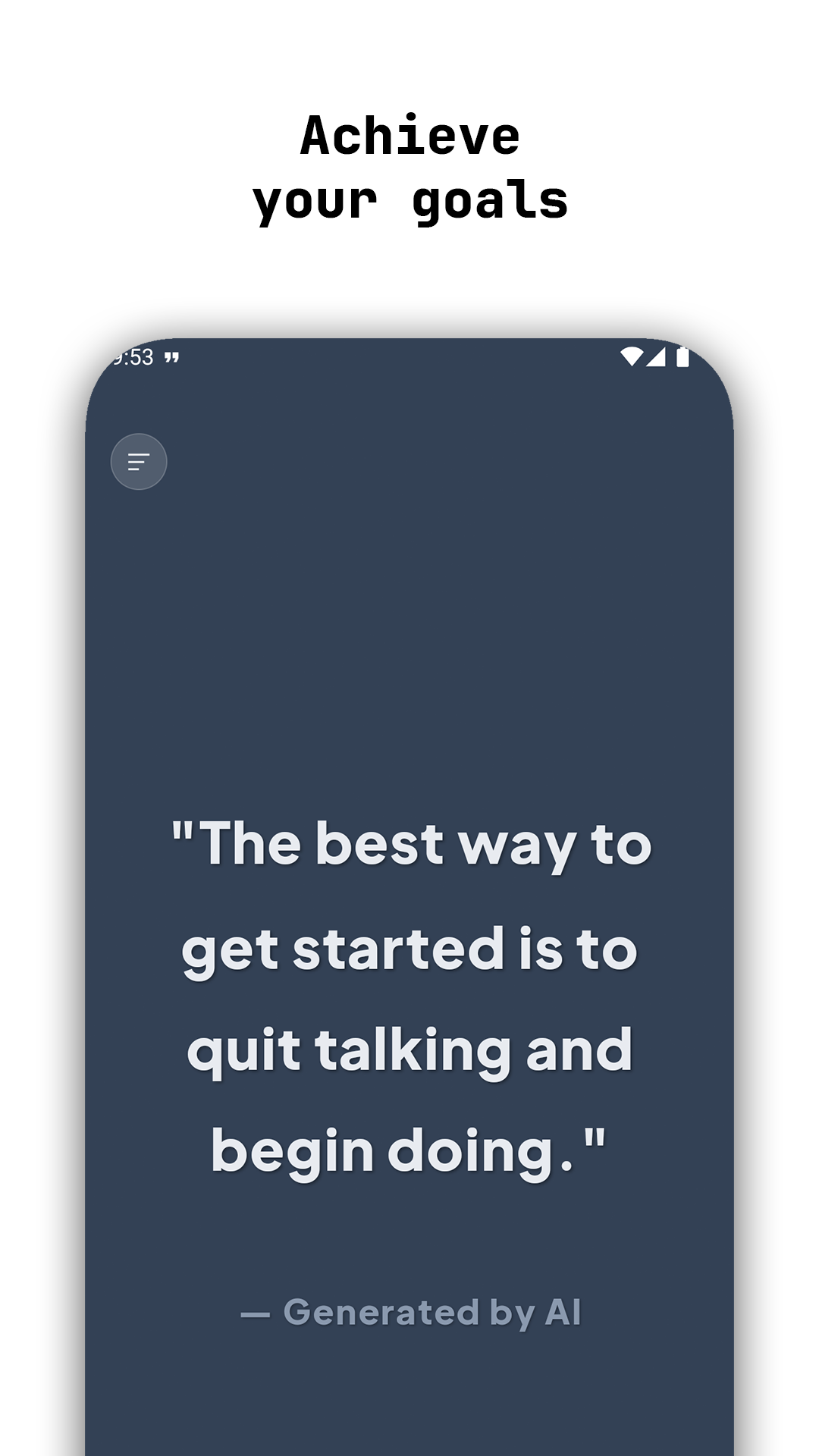
- Edge‑to‑edge, color‑forward UI with dynamic themes and status‑bar blending
- Tap anywhere to get a fresh quote—no spinners, no friction
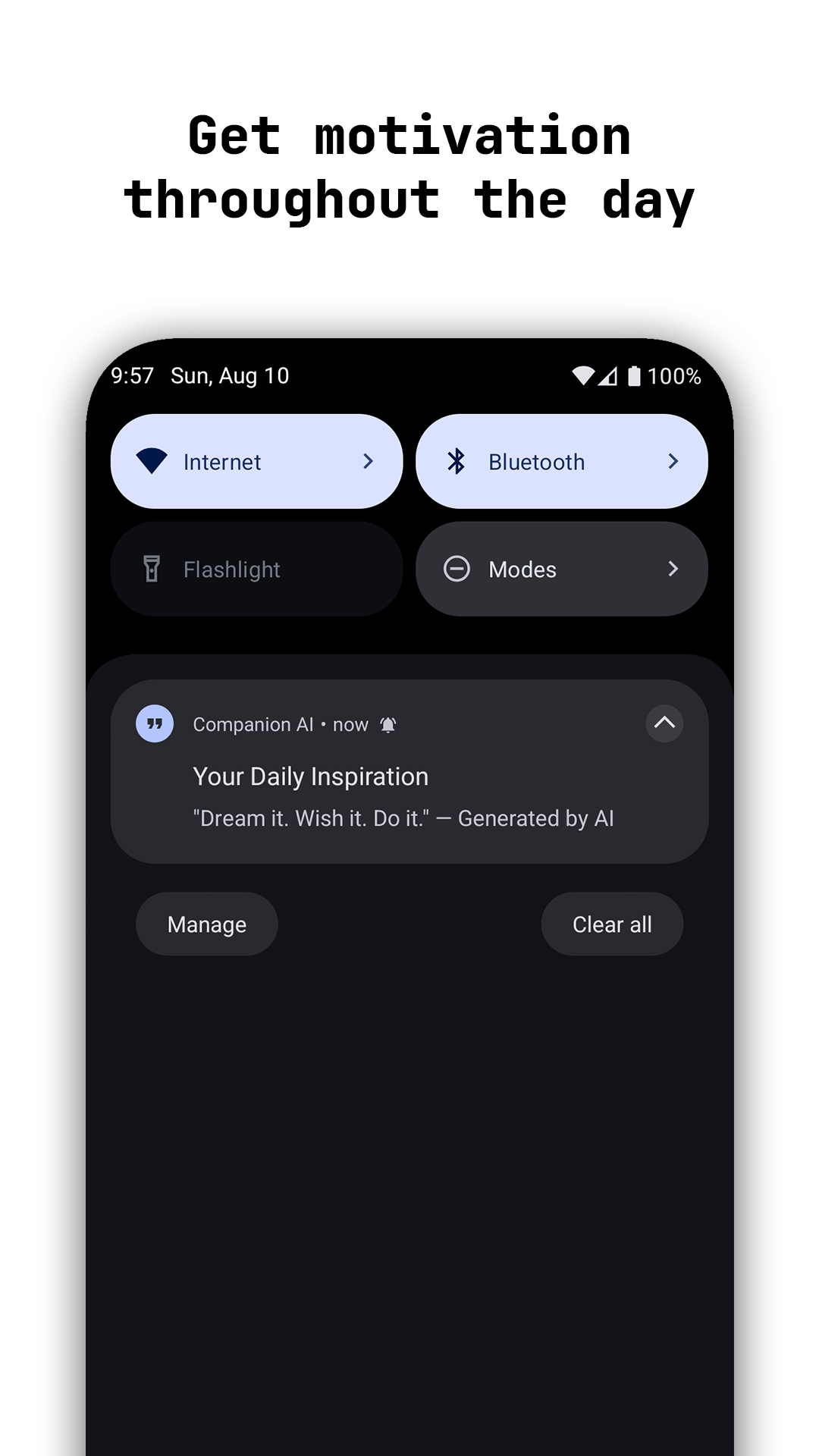
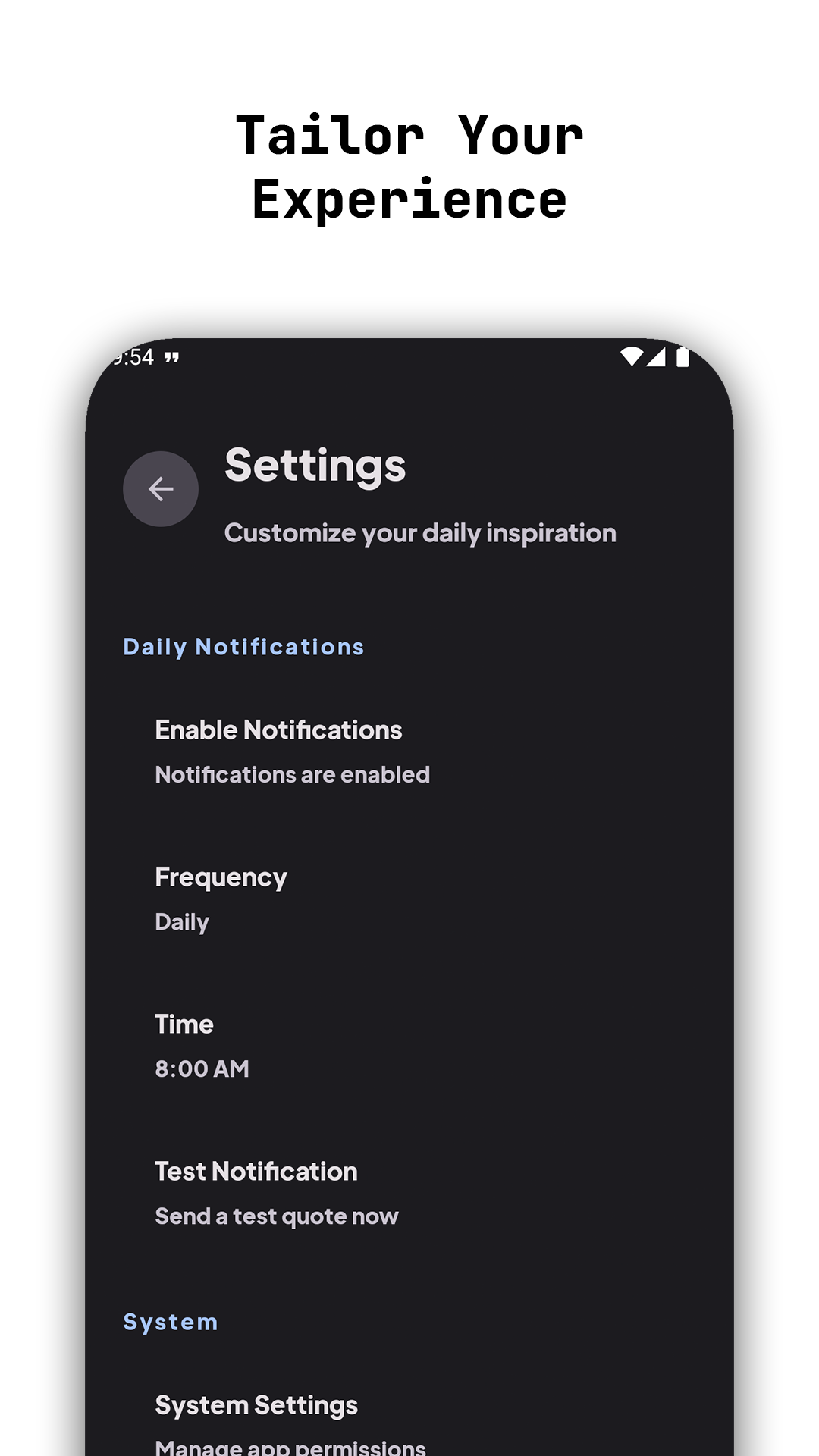
- Daily or weekly notifications at a user‑selected time, plus one‑tap test
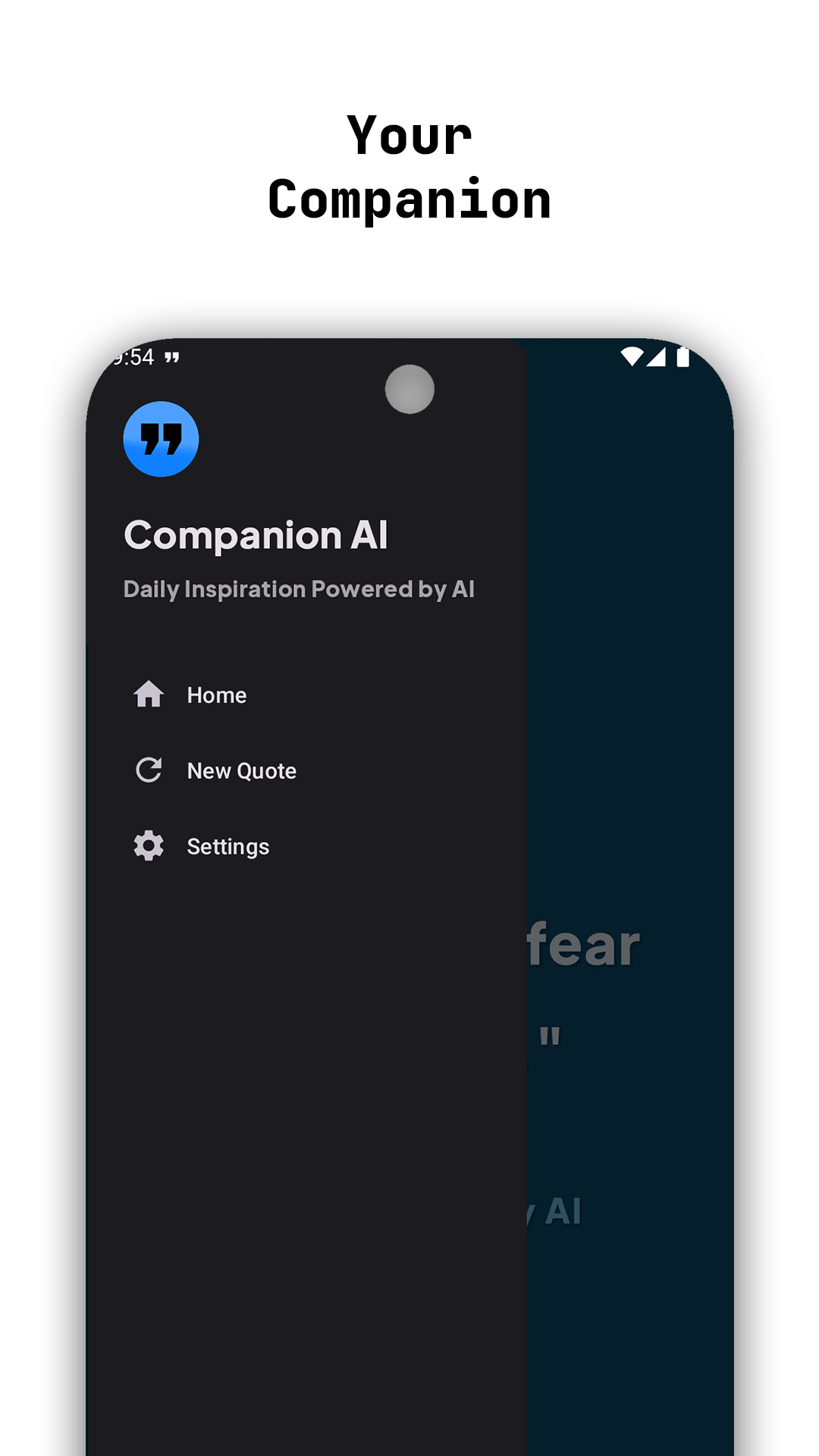
- Simple navigation: Home, New Quote, and Settings via a clean drawer
- High‑contrast typography using Eudoxus Sans ExtraBold for legibility
- Optional AI providers (OpenAI/Gemini) without sacrificing offline reliability
Graphical Representation
A quick visual of where the effort goes across the app.
UI & Interaction
Tap-anywhere quotes, responsive typography, and simple navigation.
UX & Interaction
- Single‑tap anywhere to fetch a new quote, optimized for one‑hand use
- Subtle shadows and spacing tuned for high readability
- Author attribution and layout scale nicely across devices
- Drawer keeps navigation minimal and consistent
Notifications
- BigText style surfaces the entire quote, not just a teaser
- Deep link opens the app directly to the quotes screen
- Configurable frequency (daily/weekly) and delivery time
- One‑tap test notification to validate user settings
Settings
- Toggle notifications on/off and select frequency
- Time picker for preferred delivery time
- Send test notification and jump to system notification settings
- Typography and theme choices are fixed for consistency and polish
Data & Offline
- Curated quotes bundled with the app for instant, offline availability
- Last quote and a short local history are stored via SharedPreferences + Gson
- No background network activity unless AI providers are enabled
AI Integration (Optional)
- Retrofit + OkHttp + Logging Interceptor configured behind a repository boundary
- Providers can swap between curated/offline and live AI with a single setting
- Errors gracefully fall back to offline quotes—no empty screens
Performance & Reliability
- Instant quote swap via pre‑loaded cache; zero artificial delays
- Smooth transitions; minimal overdraw and judicious recompositions
- WorkManager windows tuned to balance reliability and user control
Accessibility
- Large touch targets; tap‑anywhere interaction for primary action
- High‑contrast color usage and predictable layout hierarchy
- Typography chosen for legibility and weight contrast
Compatibility & Limitations
- Supports Android 7.0 (API 24) and above.
- Exact notification delivery depends on OEM power policies and user settings.
- AI providers are optional and disabled by default; offline mode is always available.
Testing & Quality
- Unit tests on scheduling, repository, and cache behaviors
- Instrumentation checks for navigation and deep links
- Notification channel behavior validated across OS versions
Changelog
- v1.0: Initial release with offline quotes, tap‑anywhere interaction, notifications, settings, and AI‑ready plumbing.
Roadmap
- Collections & favorites with export/import
- Theme auto‑rotation and time‑of‑day palettes
- AI prompt templates (tone, theme) and moderation options
Screenshots
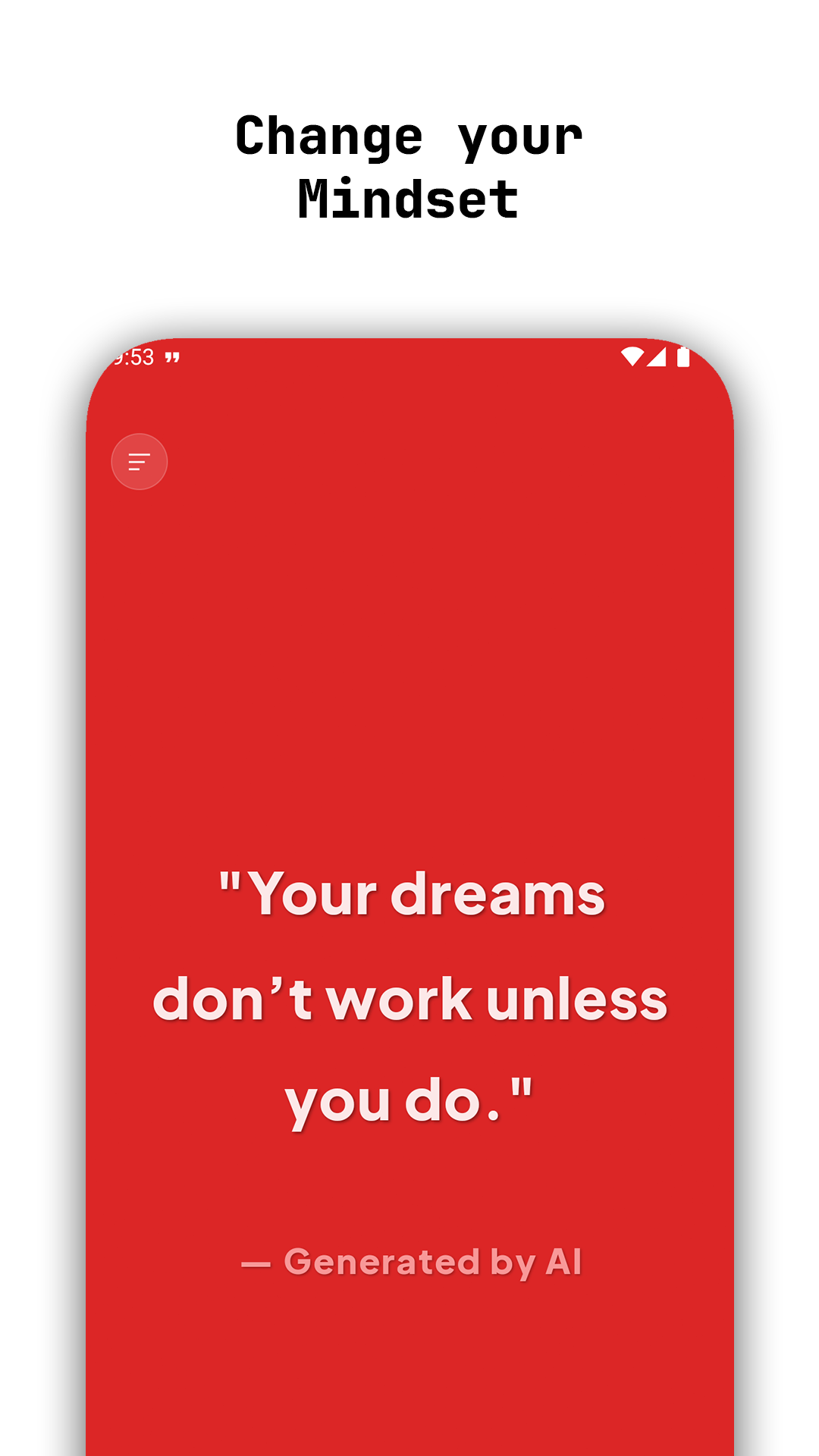
Edge‑to‑edge quotes with readable typography and subtle theming. Tap anywhere to refresh.
Core Features
Big, readable quotes with elegant author attribution
25+ curated color themes for visual variety and contrast
Status bar color matches the quote background for full immersion
Persistent last‑quote and lightweight local history
Rich BigText notifications with deep link back to Home
Settings: toggle notifications, choose frequency/time, send test, open system settings
Architecture Overview
- MainActivity: Full‑screen quotes + drawer; applies color theme and status‑bar blending per quote.
- Data Layer: Quote model, QuoteRepository with curated content, and QuoteCache for instant retrieval.
- Notifications: NotificationScheduler (WorkManager), DailyQuoteWorker, and NotificationHelper with BigText style and deep links.
- Settings: SettingsActivity + root_preferences.xml; PreferencesHelper centralizes reads/writes.
- AI Optional: Retrofit/OkHttp ready; providers can be toggled without changing the UI flow.
Security & Permissions
- POST_NOTIFICATIONS (Android 13+)
- INTERNET and ACCESS_NETWORK_STATE for optional AI requests
- WAKE_LOCK and exact alarm declarations for reliable delivery windows
What I Built
- Immersive, edge‑to‑edge UI with dynamic theme application and custom typography
- Local caching for instant quote delivery and persistent last‑quote/history
- WorkManager‑based schedules for daily/weekly notifications with deep links
- Settings experience with toggles, frequency, time picker, test, and system shortcuts
- AI‑ready plumbing that can be enabled without changing the core UX
How to Run
- Android Studio Giraffe+ / JDK 17
- minSdk 24, target/compile 35
- Build and run the app module; no API keys required (works offline)
- Optional: add OpenAI/Gemini keys per the included AI guide to enable live AI quotes
Conclusion
Companion AI focuses on speed, clarity, and reliability. Tap‑anywhere quotes, thoughtful typography, and offline‑first data make it a daily companion that feels instant and premium.
Optional AI integrates cleanly without compromising performance or privacy, leaving room to scale into smarter, personalized inspiration.
Get the App
Companion AI is now live on Google Play. Download the production build and enjoy fast, offline‑first quotes with thoughtful notifications.