Project Overview
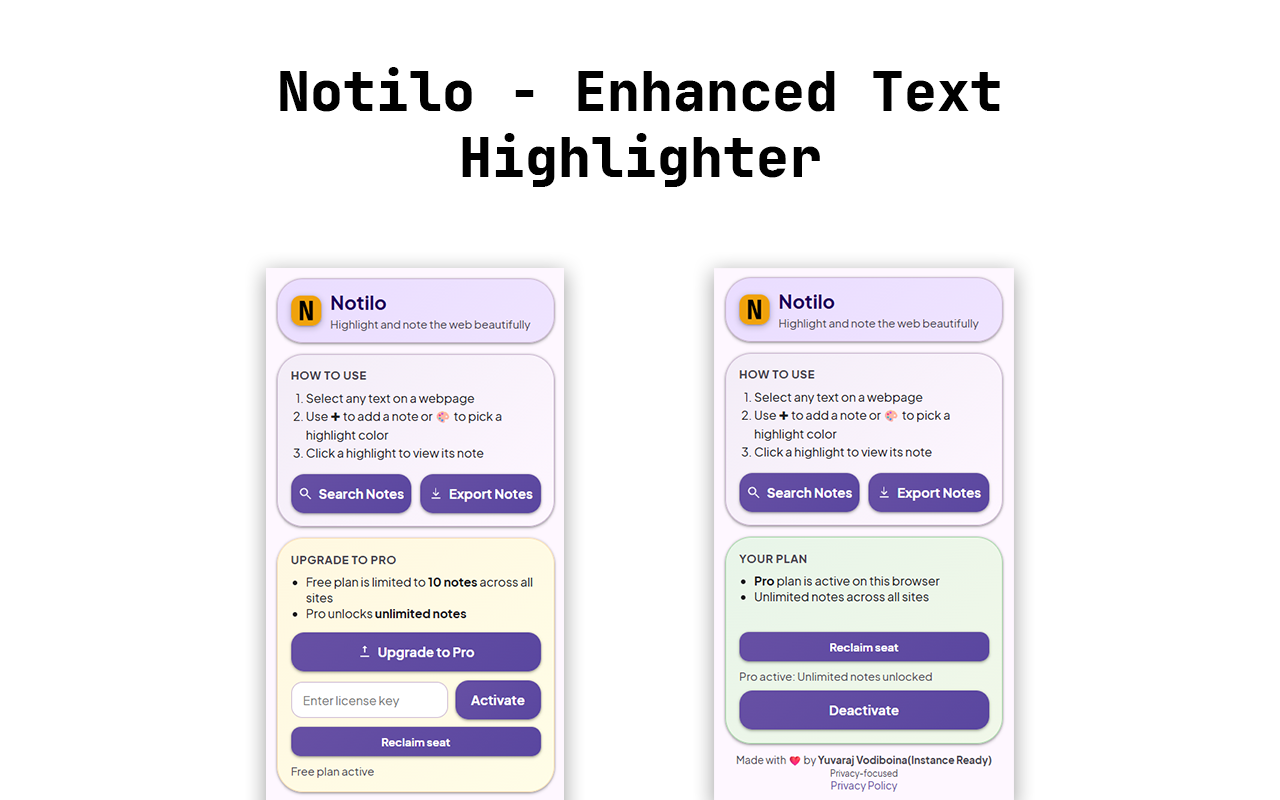
Notilo lets you highlight any text and attach styled notes right on the page. It ships an M3‑styled popup, on‑page search, TXT exports, storage controls, and an optional Pro license that removes the free plan’s 10‑note limit. Data stays local by default.
Feature Breakdown
Click a bar to see details. Values reflect typical focus split across the extension.
Inline Authoring
M3-inspired in‑page UI: FAB on selection → card to write and save notes.
- Selection detection
- FAB injection
- Card authoring UI
- Save workflow
- content.js editor
- FAB interactions
Highlights & Capabilities
Highlights
- Inline note authoring with FAB
- Color‑coded highlights
- On‑page search overlay
- TXT exports (single/all)
- Scoped storage clear (site/global)
- Optional Pro for unlimited notes
Architecture
- MV3: background service worker + content script + popup
- Message routing for actions
- Local storage model keyed by URL
- Optional license server via Cloudflare Workers
Permissions
- storage, activeTab, scripting
- Minimal and justified
Security & Privacy
- Strict CSP; no analytics
- Sanitize text and safe HTML insertion
- Local assets; offline‑friendly
Installation & Setup
- Install from the Chrome Web Store and click Add to Chrome → Add extension.
- Pin Notilo from the puzzle icon so the action button is always handy.
- Create your first note: select text → click + → write and save; recolor or categorize anytime.
- Use the popup to Search notes, Export (single/all), and Clear Site or All. Manage Pro from the same menu.
- Developer install (optional): open chrome://extensions → enable Developer mode → Load unpacked → select the project folder.
Data Model
chrome.storage.local
- notes[url]: array of { id, text, note, url, timestamp, color, category, position }
- Host‑wide and global deletes iterate keys starting with http(s).
Licensing (optional)
- Popup talks to a Cloudflare Worker to verify/activate Gumroad keys.
- Device ID bound to license with KV; stored locally.
Security & CSP
- script-src 'self' on extension pages; no remote scripts or eval.
- Sanitize text, escape HTML, limit lengths for safe rendering and exports.
- Local assets; minimal permissions.
Permissions Rationale
- storage: store notes and preferences locally.
- activeTab: act on the current page when you invoke actions.
- scripting: inject content script on demand for search/export reliability.
- notifications (optional): show one‑time welcome/what’s new.
- site access (all websites): needed to render highlights where you use it.
Screenshots & UI Preview
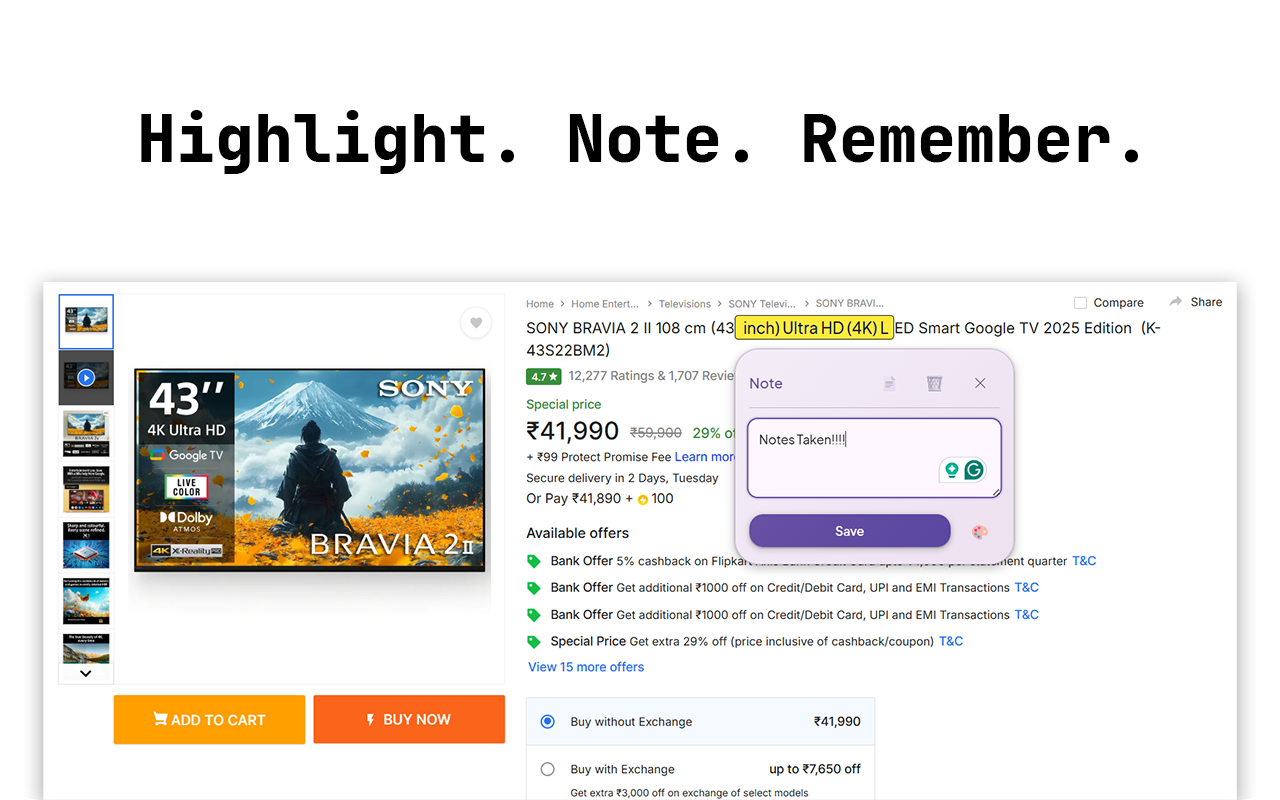
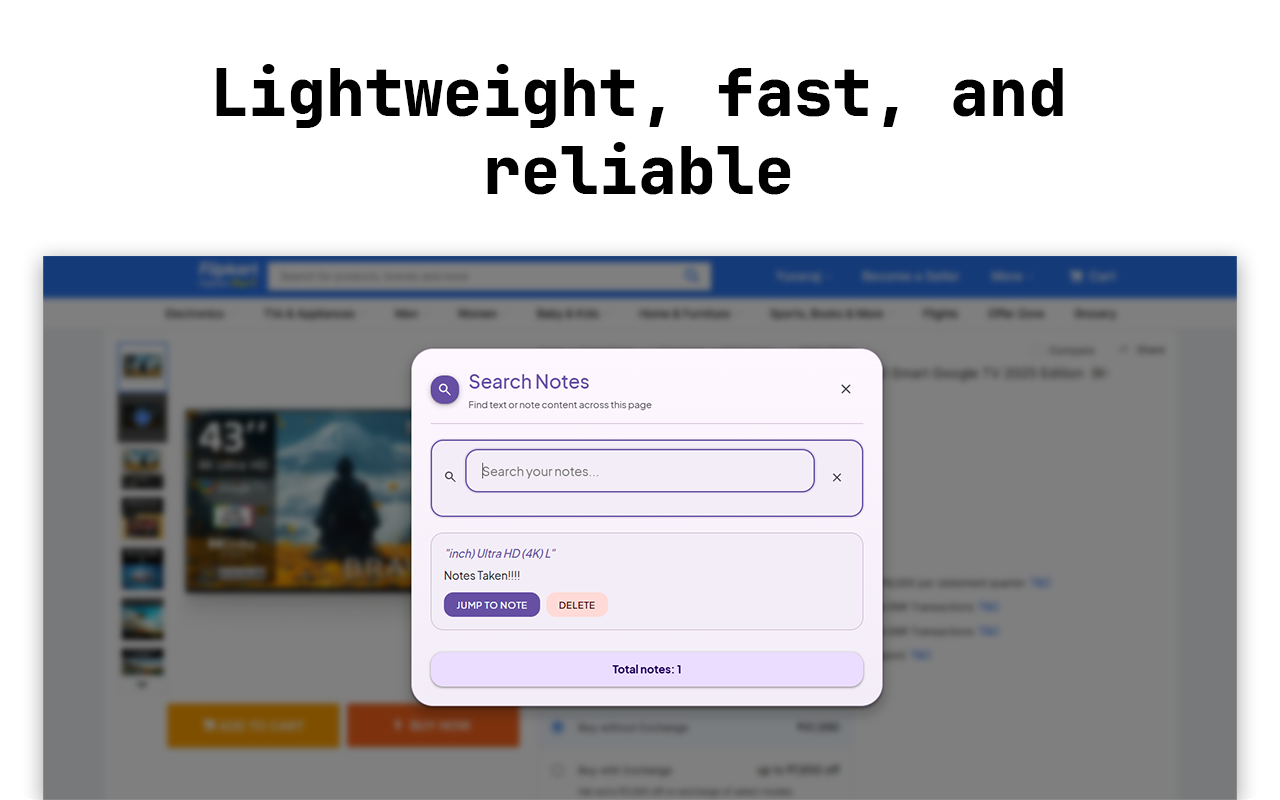
These shots show the in‑page editor and popup actions. Tap the dots or swipe to navigate. Chrome Web Store
Accessibility
Compatibility & Limitations
- Works on most http/https sites; blocked on special pages (e.g., Chrome Web Store, chrome://).
- Some sites with heavy dynamic layouts may require manual refresh to rehydrate highlights.
Changelog
- v3.2.5: Faster search overlay, improved export, stronger validation.
- v3.2.4: Highlight contrast improvements, minor UI polish.
FAQ
- Does it track me? No. Notes and settings stay in the browser.
- Is Pro required? Only to remove the free plan’s note cap.
- What pages work? http/https sites (not chrome:// pages).
Conclusion & Impact
Notilo focuses on fast inline notes with thoughtful privacy defaults and a simple, optional upgrade path. It’s built to be responsive, accessible, and store‑ready.
Future improvements: categories, cloud sync opt‑in, markdown preview, and richer exports.
The design deliberately keeps the in‑page UI minimal so your reading flow isn’t interrupted—FABs appear only on selection, cards tuck away when not needed, and colors are tuned for contrast across light/dark sites. All processing happens locally for immediate feedback and predictable performance.
For researchers, students, and writers, this translates to less context switching: capture a thought at the source, find it quickly later, and export it cleanly. Compared to heavy note apps, Notilo complements your existing tools by living directly on the page where ideas start.
Under the hood, an MV3 service worker coordinates storage and messaging with a compact content script. The optional Pro licensing uses a lightweight worker so the core experience remains private‑by‑default and fully functional without any account.