Project Overview
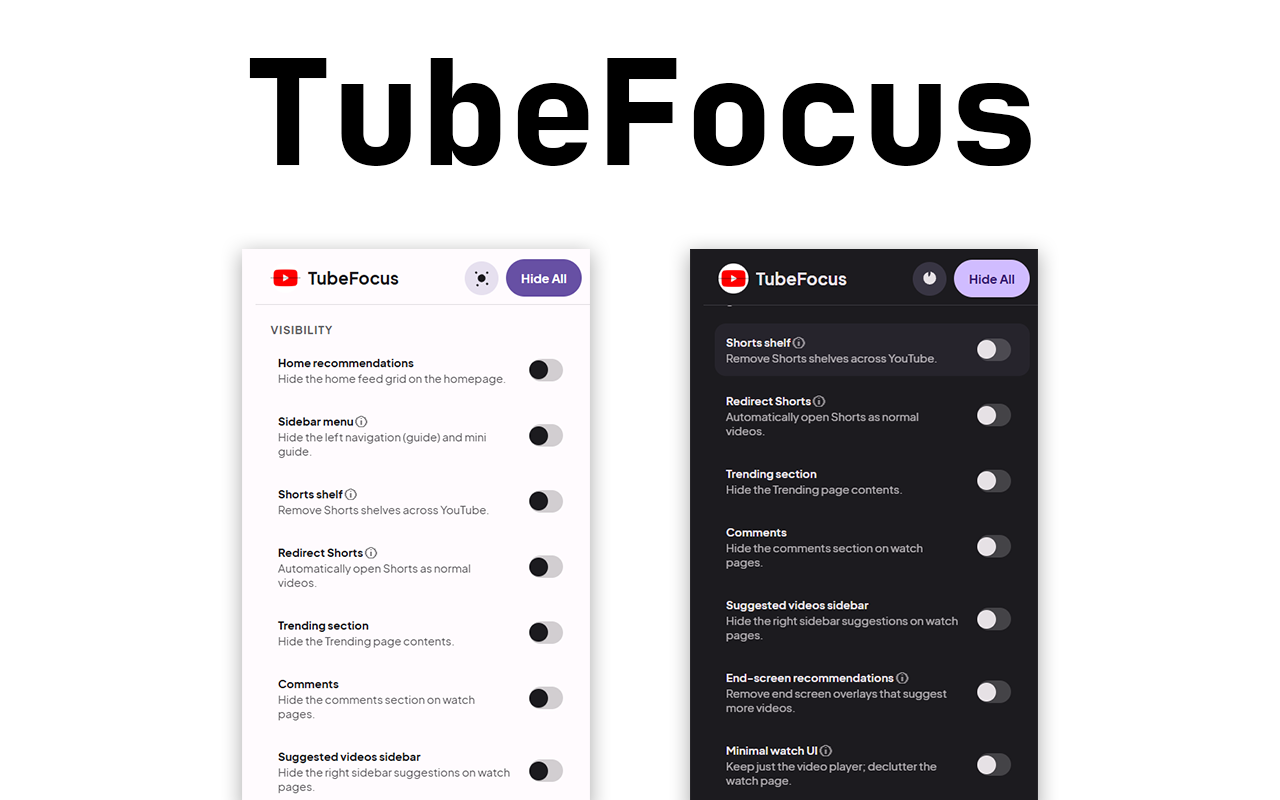
TubeFocus declutters YouTube so you can focus. Hide recommendations, comments, Shorts shelves, right sidebar suggestions, end‑screen cards, and more. A Focus Timer temporarily enforces a distraction‑free session, and settings sync across devices. No analytics, no remote code.
How It Works (Architecture)
- Manifest V3: popup UI + content script; no background worker required.
- Early run: content script runs at document_start to reduce flicker.
- SPA aware: listens for
yt-navigate-finishand uses a MutationObserver. - Single style tag: builds CSS from settings and diffs into one
<style>. - Shorts redirect: detects
/shorts/:idand replaces with/watch?v=:id.
Theming & Settings
- Theme: Light, Dark, or System.
- Focus: default duration and session controls.
- Bulk actions: Hide All with optional confirmation, Reset to defaults.
- Portability: Import/Export JSON; preferences sync via
chrome.storage.sync.
Feature Breakdown
Click a bar to see details. Values reflect typical focus split across the extension.
Dynamic Hiding
Granular toggles to hide recommendations, comments, sidebars, Shorts, end-cards, etc.
- Settings model
- Selector map
- Style tag generator
- SPA re-apply
- content.js style injector
- buildCssFromSettings()
Highlights & Capabilities
Granular toggles
- Home recommendations, Shorts shelves, Trending
- Sidebar/guide and right suggested videos
- Comments and end‑screen recommendations
- Minimal watch UI (metadata/actions/description)
Architecture
- MV3: popup + content script; no background needed
- Runs at document_start for minimal flicker
- SPA safe: yt-navigate-finish + MutationObserver
- Single style tag diffed on change
Sync & portability
- chrome.storage.sync for preferences
- Import/Export settings as JSON
- Theme: light/dark/system
Privacy & security
- No analytics or network requests
- Host permissions limited to youtube.com
- No remote code
Installation & Setup
- Install from the Chrome Web Store → click Add to Chrome → Add extension.
- Pin TubeFocus from the puzzle icon to keep the action button visible.
- Open YouTube and use the popup to toggle sections, start a Focus Timer, and pick Light/Dark/System theme.
- Developer install (optional): open chrome://extensions → enable Developer mode → Load unpacked → select the project folder.
Privacy & Permissions
- Permissions: storage only; host access limited to youtube.com
- Privacy: no analytics, no external network calls
Compatibility & Limitations
- Works on youtube.com; unaffected on other sites.
- Runs at document_start to minimize flicker, but brief flashes can occur.
- YouTube DOM changes may require selector updates over time.
- CSS-based hiding does not stop network requests.
Accessibility
Screenshots & UI Preview
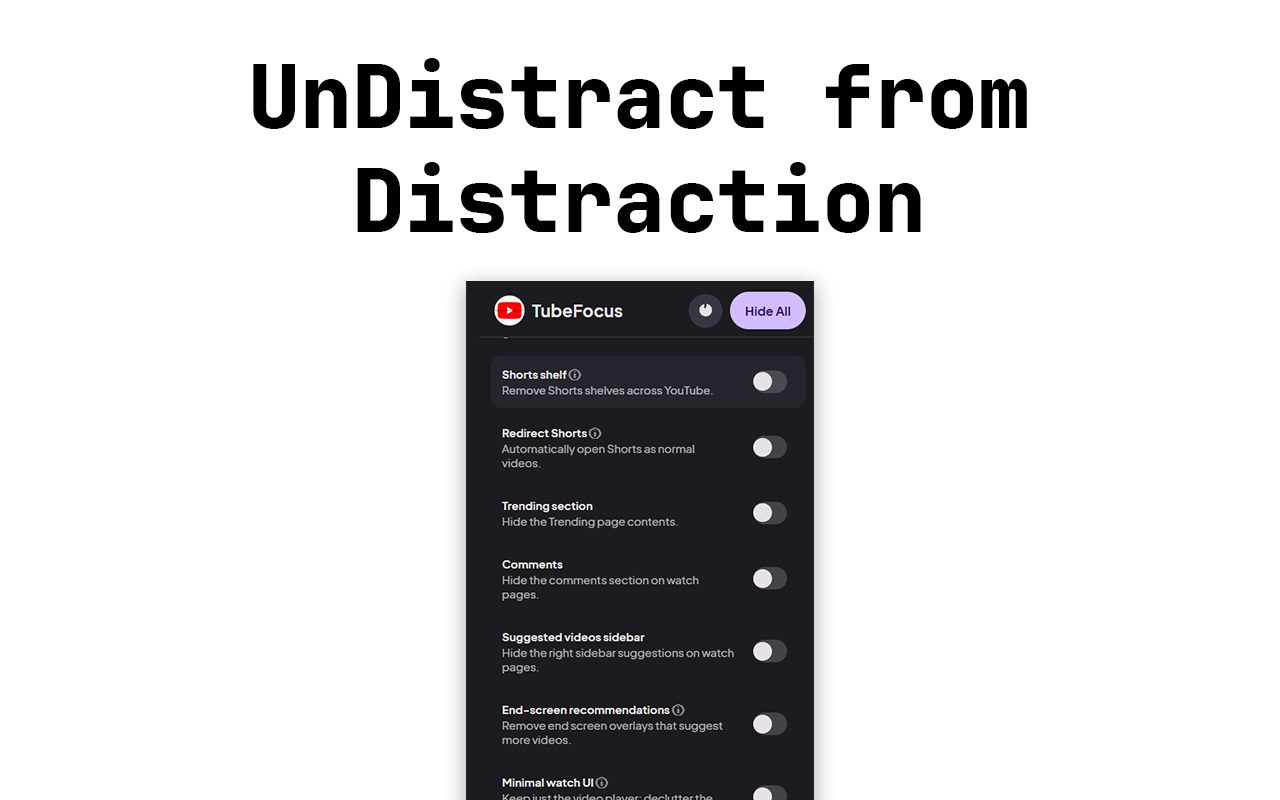
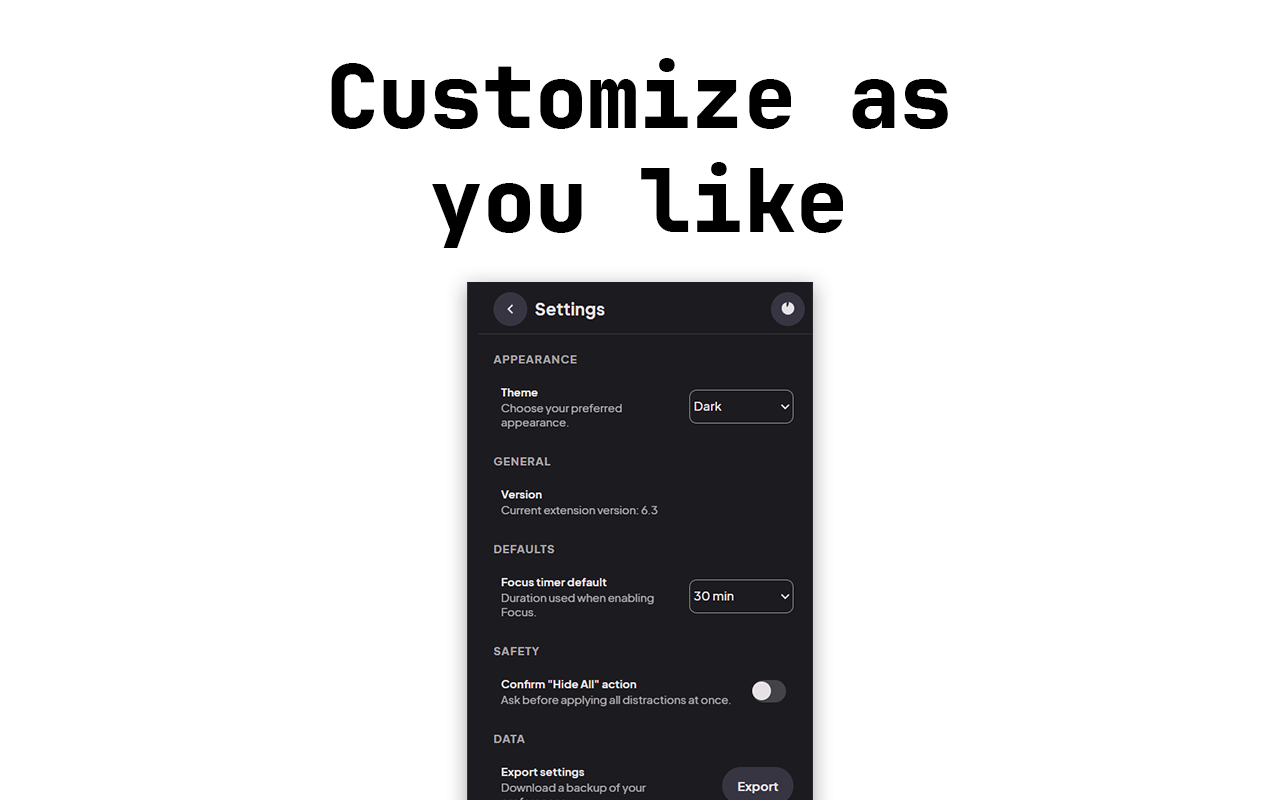
These shots show the popup and watch page in a focused layout. Tap the dots or swipe to navigate. Chrome Web Store
Changelog
- v6.3: MD3-inspired popup redesign, Focus Timer improvements with live countdown, optional Shorts → Watch redirect, refined hiding rules and minor fixes.
FAQ
- Does it track me? No. No analytics; preferences are stored via chrome.storage.sync.
- Does it block network requests? No. It hides UI with CSS to keep YouTube functional.
- Can Shorts be redirected? Yes, optionally to the regular Watch player.
Conclusion & Impact
TubeFocus gives you control over YouTube’s attention traps without breaking the site. It’s fast, privacy‑first, and easy to tailor.
Roadmap: per‑channel exceptions, keyboard shortcuts, scheduled focus sessions, local time‑saved stats.
For creators and learners, a distraction‑free watch page keeps attention on the content itself. The Focus Timer adds gentle structure for deep work sessions while preserving your original preferences.
Under the hood, TubeFocus uses a single optimized style tag and SPA‑aware listeners to stay resilient as YouTube navigates between pages. Preferences sync across devices, so your setup follows you wherever you sign in.